Best Resin 3D Printer for Beginners in 2026
The best resin 3D printers for beginners in 2026, plus the safety workflow every first-timer must follow before buying resin, gloves, and a cure station.
Updated · We may earn a commission from links on this page. How that works
Our top picks
 Check price on Amazon
Best for beginners
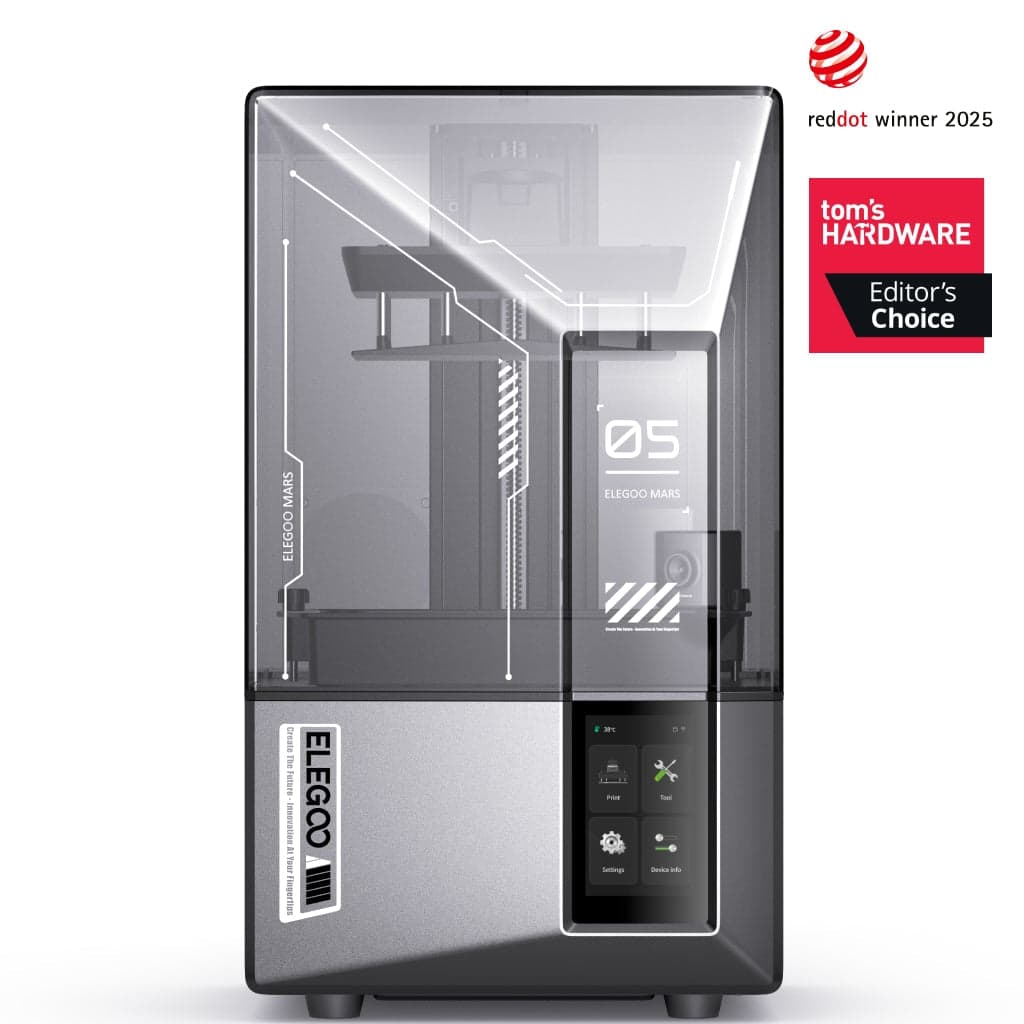
Elegoo Mars 5 UltraThe most forgiving first resin printer. You're paying for auto-leveling and failure detection, not raw specs, and for a beginner that's the right trade.
 Check price on Amazon
Best budget
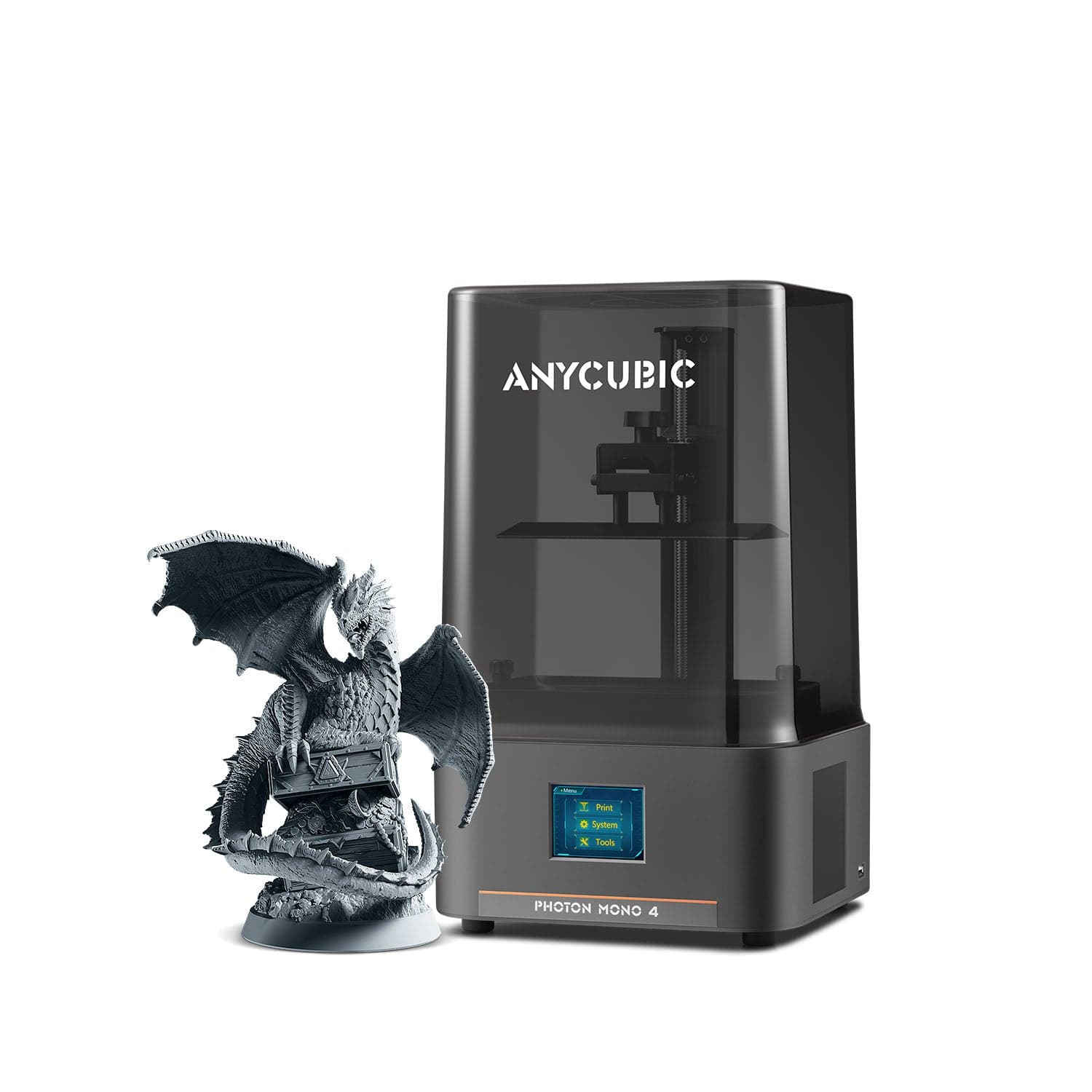
Anycubic Photon Mono 4Maximum detail per dollar. Manual leveling is what you trade for the low price; learn it once and it stops mattering.
 Check price on Amazon
Best step-up
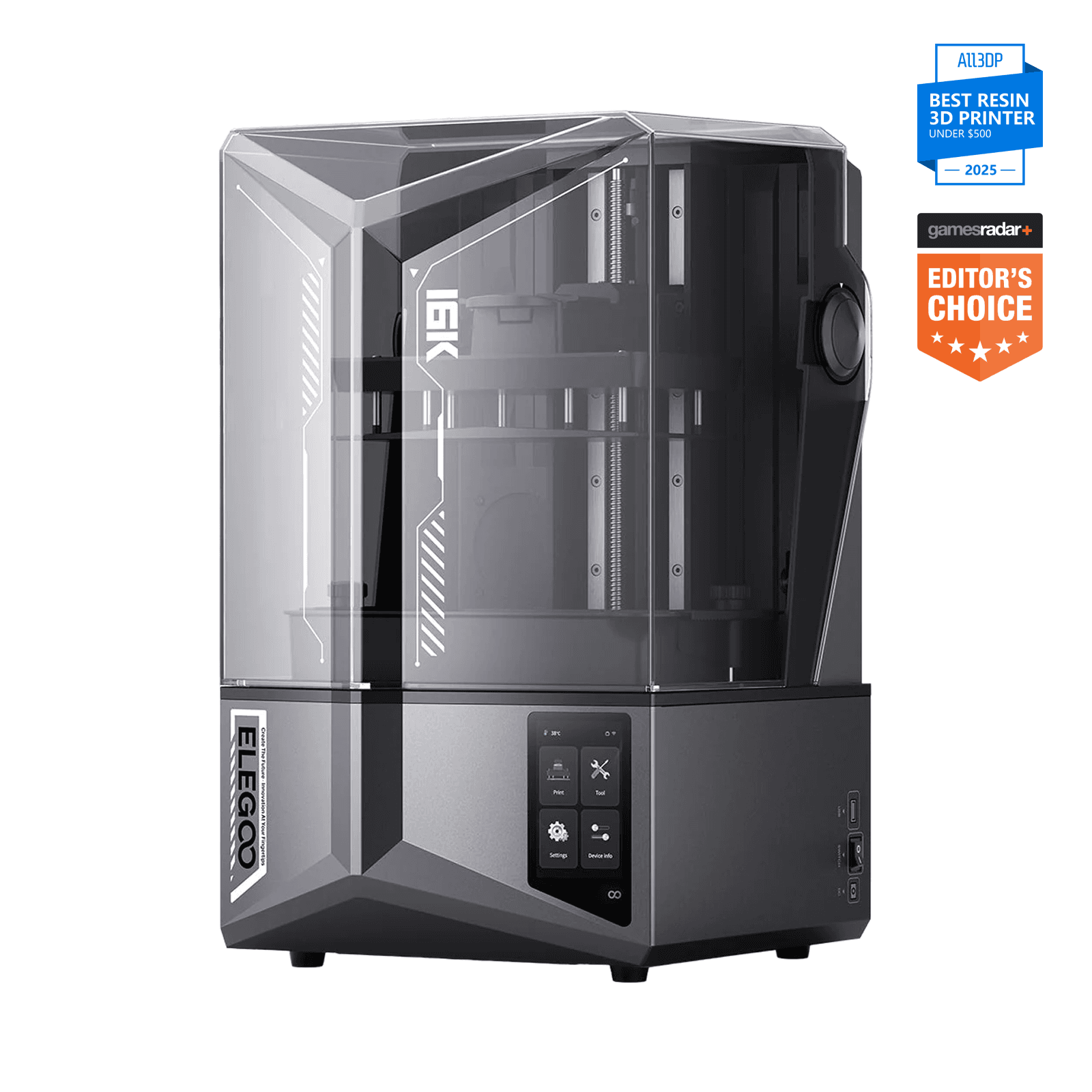
Elegoo Saturn 4 Ultra 16KThe buy-once option. You're paying for volume, tank heating, and features. The 16K badge is real, but the gain is subtler than it sounds.
 Check price on Anycubic
Large-format value
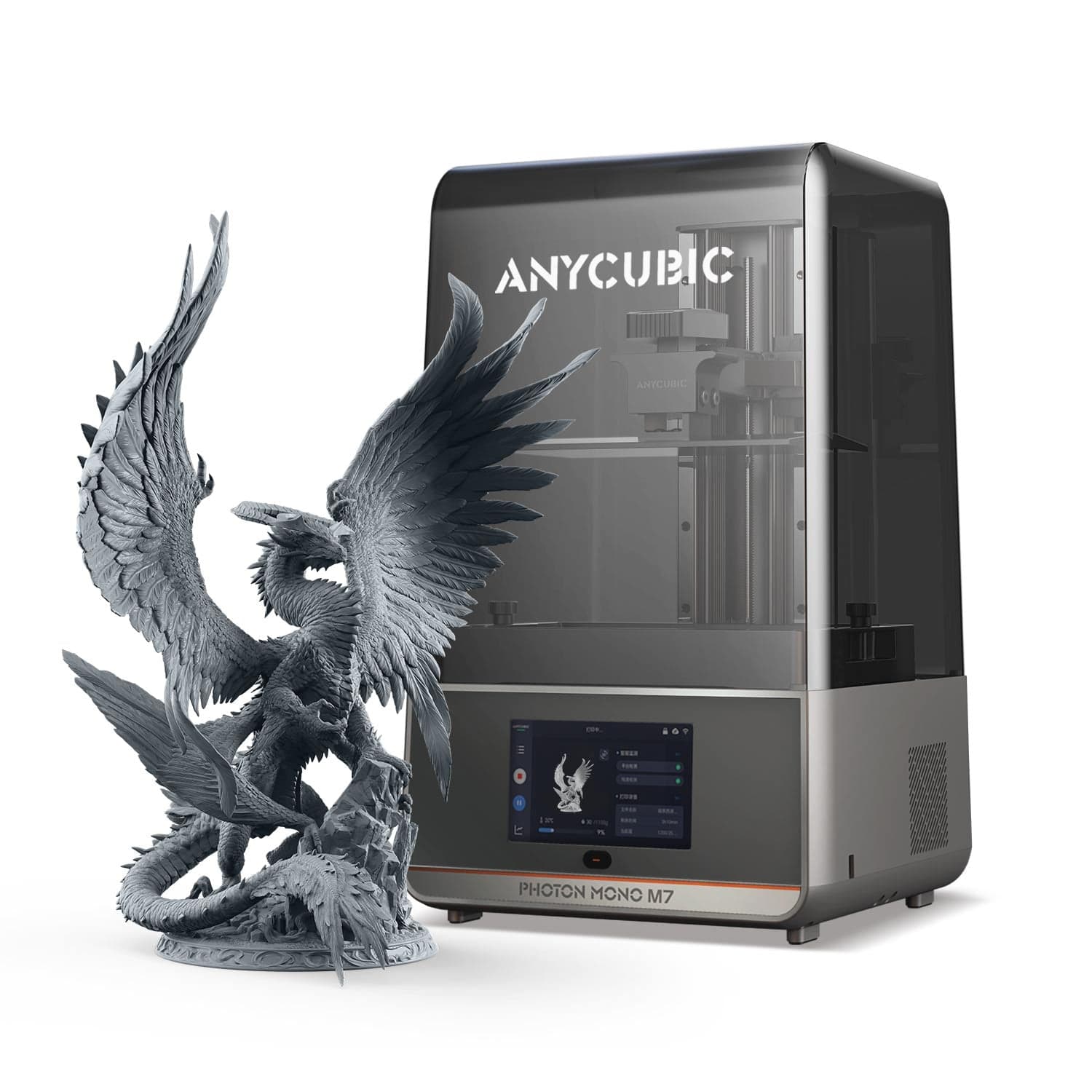
Anycubic Photon Mono M7A lot of printer for the money when street pricing holds. Check the live price, because the spread between listings is unusually wide.
 Check price on Phrozen
Miniature specialist
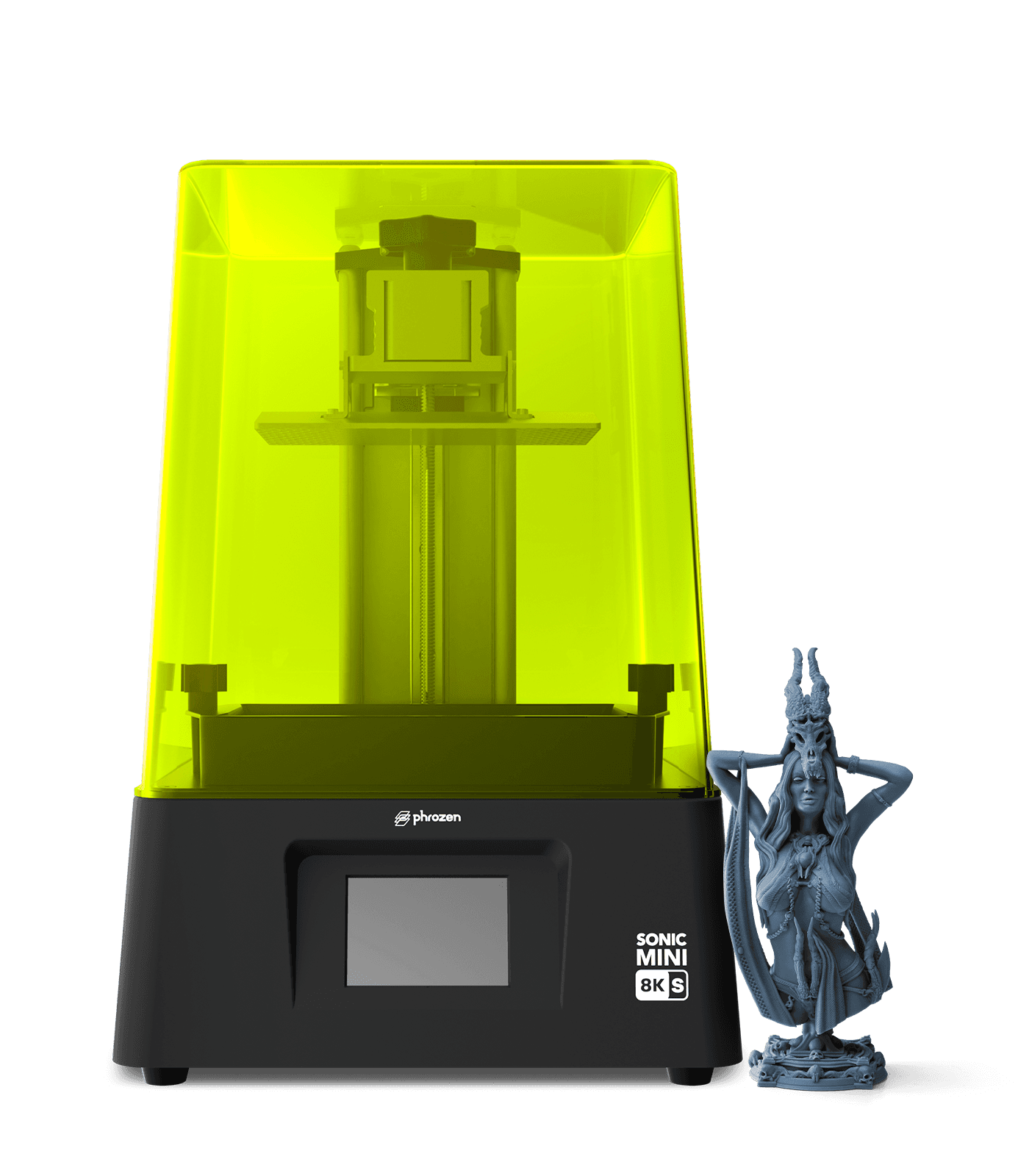
Phrozen Sonic Mini 8K SThe detail-first alternate. Less hand-holding than the Elegoo picks, and more control for people who'll live in their slicer.
Resin printers produce detail that filament printers can't touch: crisp miniatures, jewelry, dental-grade precision. But resin printing is a chemistry workflow as much as a machine purchase. Uncured resin is a skin sensitizer, the process involves solvents and UV light, and the safety gear is mandatory.
This guide covers the safety workflow first, then the printers. If the safety section makes you hesitate, it's doing its job. Resin printing is rewarding, but only for people willing to handle it properly.
Resin safety: read this before buying anything
Uncured resin is hazardous to skin. It's a sensitizer, which means repeated unprotected exposure can lead to an allergic reaction that doesn't go away. This is the single most important fact in resin printing.
Follow this workflow on every print, every time:
- Nitrile gloves. Wear them for the entire handling process, from removing the build plate to the final cure. Not latex (resin eats through it faster), and not bare hands "just this once."
- Respirator and ventilation. Print in a ventilated space, ideally with active extraction, or at minimum strong airflow away from living areas. "Low odor" resin is still resin: no smell doesn't mean no fumes.
- IPA wash. Wash every print in isopropyl alcohol to strip uncured resin from the surface before curing.
- UV cure. Fully cure washed prints under UV light. A print that feels dry but isn't cured is still chemically active.
- Keep resin away from children and pets. Store bottles locked away or up high, never leave a vat of resin unattended where a kid or animal can reach it, and cure or properly dispose of supports and failed prints instead of throwing them out raw.
- Read the SDS. Every resin ships with a Safety Data Sheet. Read the one for your specific resin before your first print.
Budget the full workflow, not just the printer. Beyond the machine, a beginner setup needs resin (~$20 to $30/kg to start), nitrile gloves in bulk, isopropyl alcohol, a wash-and-cure station (or a tub plus a UV lamp on a budget), paper towels, and spare FEP film. Plan on roughly $100 to $150 on top of the printer for a complete starter setup. The printers below range from ~$180 to ~$520, but the workflow costs the same either way, so a cheap printer doesn't mean a cheap setup.
Keep in mind that beginner-friendly features like auto-leveling and failure detection make the printing easier. They change nothing about the chemistry. The safety workflow is identical on a $180 machine and a $520 one.
Our top picks at a glance
| Product | Price | XY resolution | Build volume | Best for |
|---|---|---|---|---|
| Elegoo Mars 5 UltraCheck price | ~$300 | 18 μm | 153 × 78 × 165 mm | Default beginner pick |
| Anycubic Photon Mono 4Check price | ~$180–209 | 17 μm | 153 × 87 × 165 mm | Cheapest credible entry |
| Elegoo Saturn 4 Ultra 16KCheck price | ~$520 | 14 × 19 μm* | 212 × 118 × 220 mm | Big build + top detail |
| Anycubic Photon Mono M7Check price | ~$285–429 | 16.8 × 24.8 μm | 223 × 126 × 230 mm | Large format value |
| Phrozen Sonic Mini 8K SCheck price | ~$270 | 22 μm | 165 × 72 × 170 mm | Miniature specialists |
Prices verified October 2026. They move with sales, so check the live price before buying.
Best for most beginners: Elegoo Mars 5 Ultra
The Mars 5 Ultra is our default recommendation because it removes the classic beginner failure points. Auto-leveling means no manual bed calibration ritual. Tilt-release peeling is gentler on prints than the old peel mechanism. An AI camera and a mechanical sensor watch for failures mid-print, and power-loss recovery saves long jobs from outages. It costs around ~$300 (street ~$269 to $338, verified October 2026).
The spec sheet is strong for the class: 18 μm XY resolution from a 7-inch 9K mono LCD, 150 mm/h print speed, a COB light source, and a laser-engraved build plate for adhesion. It has Wi-Fi as well as USB, so you aren't carrying files back and forth on a stick.
The trade-offs: the Mars 4 Ultra produces similar results for ~$80 to $100 less if you're willing to level manually, so you're paying for forgiveness, not detail. And there's no vat heating, which can make printing in a cold room finicky in winter.
Best for: first-time resin printer owners who want the most forgiving start, especially for miniatures and detailed small parts.
Image: ElegooElegoo Mars 5 Ultra
The most forgiving first resin printer. You're paying for auto-leveling and failure detection, not raw specs, and for a beginner that's the right trade.
Good stuff
- Auto-leveling: no manual calibration
- AI camera + mechanical failure detection
- Tilt-release for gentler peeling
- 150 mm/h, sharp 18 μm detail
Watch out for
- Mars 4 Ultra is ~$80 to $100 cheaper if you level manually
- No vat heating for cold rooms
- Same safety workflow as every resin printer
Cheapest credible entry: Anycubic Photon Mono 4
At ~$180 to $209 (verified October 2026: $209 on Anycubic's store, as low as ~$180 on Amazon), the Photon Mono 4 is the cheapest resin printer we'd actually recommend. The key word is credible. It gets 17 μm XY from a 7-inch 10K mono LCD, even LighTurbo matrix lighting, and genuinely fast 70 mm/h exposures for the class. The detail punches well above the price.
The catch is its one beginner-unfriendly feature: manual 4-point leveling. It's the main thing you'll have to learn on this machine. It isn't hard, but it's exactly the ritual the Mars 5 Ultra automates away. It's also USB-only (no Wi-Fi), its built-in carbon purifier helps but doesn't replace ventilation, and its build volume is smaller than the 10-inch printers'.
Remember the workflow math. The printer is cheap, but resin, gloves, IPA, and a wash/cure setup cost the same as they would for a $500 machine. Don't let the $180 sticker price convince you the hobby costs $180.
Best for: budget-conscious beginners who are comfortable learning manual leveling and want maximum detail per dollar.
Image: AnycubicAnycubic Photon Mono 4
Maximum detail per dollar. Manual leveling is what you trade for the low price; learn it once and it stops mattering.
Good stuff
- Cheapest credible resin printer
- Sharp 17 μm 10K detail
- Even lighting, fast exposures
- Built-in carbon purifier
Watch out for
- Manual 4-point leveling
- USB only, no Wi-Fi
- Smaller build volume
- Workflow costs the same as pricier printers
Step-up pick: Elegoo Saturn 4 Ultra 16K
The Saturn 4 Ultra 16K is the "buy once" option. It has a 10-inch 16K panel, the largest build volume in this guide (212 × 118 × 220 mm), tank heating to 30°C for cold rooms, tilt release, an AI camera with empty-plate and warp detection, and a flip-up lid that's genuinely nicer to live with than the lift-off covers on cheaper machines. It costs around ~$520 (verified October 2026).
One spec note matters here. Elegoo's official spec lists 14 × 19 μm XY resolution (15120 × 6230 panel). Some third-party tables list 19 × 24 μm, but that math matches a 12K panel (11520 × 5120), not the 16K panel Elegoo ships. We use Elegoo's number, since the third-party tables appear to have mixed up panel specs. Even so, the visible detail jump over a good 14K machine is subtle. You're buying build volume and features more than a dramatic leap in sharpness.
It also weighs 16.1 kg, costs roughly 2.5× the Mono 4's price, and its bigger vat means more resin handling per print. The safety workflow scales with the machine.
Best for: beginners who want room to grow (bigger parts, batch printing, and the most assisted experience) and are willing to pay for it.
Image: ElegooElegoo Saturn 4 Ultra 16K
The buy-once option. You're paying for volume, tank heating, and features. The 16K badge is real, but the gain is subtler than it sounds.
Good stuff
- 16K panel, the sharpest here on paper
- Largest build volume in this guide
- Tank heating for cold rooms
- AI detection + flip-up lid
- Strong beginner feedback
Watch out for
- ~$520, 2.5× the budget pick
- 16K advantage is subtle vs good 14K
- Heavy at 16.1 kg
- More resin handling per print
Large-format value: Anycubic Photon Mono M7
The M7 is an underrated value in large-format resin. It has a 10.1-inch 14K panel (16.8 × 24.8 μm), a 223 × 126 × 230 mm build volume, COB LighTurbo 3.0 lighting at ≥90% uniformity, and a standard speed of 90 mm/h that rises to 150 mm/h with high-speed resin. Leveling-free setup and intelligent assist features (failed-print and resin-level detection) keep it approachable despite the size.
Read the pricing carefully. MSRP is $429, but street listings have shown ~$285. That's a wide spread, and older listings may not reflect current stock, so check the live price before deciding how it compares to the Saturn. At the low end it's a steal for a 10-inch 14K machine; at MSRP it's a fair but unremarkable alternative to the Saturn.
Compared to the pricier options, you give up vat heating and auto resin refill (those are M7 Pro features). The bigger build plate also means more surface to clean and more IPA per wash, so budget for extra consumables.
Best for: beginners who want 10-inch build volume without the Saturn's price, if the street price holds.
Image: AnycubicAnycubic Photon Mono M7
A lot of printer for the money when street pricing holds. Check the live price, because the spread between listings is unusually wide.
Good stuff
- 10-inch 14K panel, large volume
- Leveling-free setup with print assist
- Up to 150 mm/h with high-speed resin
- Strong value at street pricing
Watch out for
- Wide price spread; verify live ($285 to $429)
- No vat heating or auto-refill
- Bigger plate = more IPA and cleanup
Alternate for miniature specialists: Phrozen Sonic Mini 8K S
The Sonic Mini 8K S is the connoisseur's pick. It gets 22 μm XY from a 7.1-inch 8K panel with a linear-projection LED module, in a compact 165 × 72 × 170 mm volume. It's repeatedly cited as one of the sharpest, most reliable detail machines for miniatures at its price, which is around ~$270 (verified October 2026).
It keeps things simple: USB only, no Wi-Fi, no camera, and no auto-leveling. You get straightforward calibration and open-slicer support (Lychee, Chitubox), which experienced miniature painters tend to prefer over locked-down ecosystems. One footnote: the S revision swaps the original's dual linear rails for a single rail. Most users won't notice, but if you care about rail counts, now you know.
Its compact size is a real practical advantage for resin beginners. It fits in a small ventilated corner, uses less resin per fill, and keeps the whole workflow (wash, cure, cleanup) manageable.
Best for: miniature painters and detail-focused beginners who prefer open slicers and a simpler machine over assisted features.
Image: PhrozenPhrozen Sonic Mini 8K S
The detail-first alternate. Less hand-holding than the Elegoo picks, and more control for people who'll live in their slicer.
Good stuff
- Excellent 8K detail for miniatures
- Open slicer support (Lychee/Chitubox)
- Compact; fits a small ventilated corner
- Simple, no gimmicks
Watch out for
- Small build volume
- USB only: no Wi-Fi or camera
- No auto-leveling
- S revision drops to single linear rail
How we picked
- Beginner forgiveness. Auto-leveling, failure detection, and assisted setup matter more than raw specs for a first resin printer. Manual leveling is the classic beginner failure point.
- Detail where it counts. XY resolution and light uniformity determine miniature quality, and all five picks here are genuinely sharp.
- Honest spec reporting. Where manufacturer specs and third-party measurements disagree (looking at you, Saturn 16K), we say so instead of picking the flattering number.
- Real buyability. Every pick has a current price we could verify. No "coming soon," no dead listings.
Budget the full workflow
This gets its own section because it's where beginners get surprised. The printer is roughly half the first-year cost:
- Resin: ~$20 to $30/kg to start. You'll go through more than you expect while learning, because failed prints and supports eat resin.
- Nitrile gloves: buy in bulk. You'll use several pairs per session.
- Isopropyl alcohol: for washing every print. It gets dirty and needs replacing, so it's a recurring cost.
- Wash and cure: a dedicated wash/cure station is the convenient route; a tub plus a UV lamp is the budget route. Either way, budget for it. "I'll cure in sunlight" is how you end up with tacky, under-cured prints.
- Consumables: paper towels, spare FEP film, and funnels and filters for reclaiming resin.
A realistic starter total is ~$100 to $150 on top of the printer. A $180 Photon Mono 4 with a full workflow costs about the same all-in as a $300 Mars 5 Ultra with a full workflow. Choose the printer on features, not on the illusion that the cheapest machine means the cheapest hobby.
Our picks, recapped
- Check price on Amazon
Best for beginners
Elegoo Mars 5 UltraThe most forgiving first resin printer. You're paying for auto-leveling and failure detection, not raw specs, and for a beginner that's the right trade.
- Check price on Amazon
Best budget
Anycubic Photon Mono 4Maximum detail per dollar. Manual leveling is what you trade for the low price; learn it once and it stops mattering.
- Check price on Amazon
Best step-up
Elegoo Saturn 4 Ultra 16KThe buy-once option. You're paying for volume, tank heating, and features. The 16K badge is real, but the gain is subtler than it sounds.
- Check price on Anycubic
Large-format value
Anycubic Photon Mono M7A lot of printer for the money when street pricing holds. Check the live price, because the spread between listings is unusually wide.
- Check price on Phrozen
Miniature specialist
Phrozen Sonic Mini 8K SThe detail-first alternate. Less hand-holding than the Elegoo picks, and more control for people who'll live in their slicer.
FAQ
Is resin 3D printing safe for beginners?
Yes, with strict workflow discipline: nitrile gloves always, a respirator plus ventilation, an IPA wash and full UV cure for every print, and resin stored away from children and pets. The safety steps are mandatory, but they're straightforward once they become habit.
Do I need a wash and cure station?
You need to wash and cure; a station just makes it convenient. The budget route is a tub of IPA plus a UV lamp. What you can't do is skip either step, because uncured resin stays chemically active.
Can I print resin indoors?
Only in a well-ventilated space, ideally with active extraction: a spare room with airflow away from living areas, not a bedroom. 'Low odor' resin still gives off fumes, so a lack of smell is not a safety signal.
Resin vs filament for miniatures?
Resin wins on detail by a wide margin, and it's the standard for tabletop miniatures and jewelry. Filament wins on toughness, size, simpler safety, and cost. Choose by what you're making.
How much does resin printing really cost to start?
The printer plus ~$100 to $150 for resin, gloves, IPA, wash/cure gear, and consumables. Budget for the workflow, not just the machine; a cheap printer doesn't make a cheap setup.
What does 16K vs 10K vs 8K actually mean?
It's the LCD panel's pixel count, which sets XY resolution: smaller pixels mean finer detail. But lens quality, light uniformity, and your choice of resin matter just as much, and a good 8K machine beats a sloppy 16K one in real prints.
Prices verified October 2026. They move with sales, so check the live price before buying. As an affiliate site, we may earn a commission on purchases made through our links, at no extra cost to you. Read our affiliate disclosure.
Related guides
- Buying guideBest 3D Printer for Miniatures in 2026Resin 3D printers ranked for tabletop miniature detail: pixel size, tilt-release vats, and first-print success — plus the ventilation rules.
- Buying guideBest 3D Printer for Cosplay in 2026Large-format 3D printers for cosplay helmets and armor, ranked by build volume and long-print reliability — plus a small-prop specialist for detail work.
- Buying guideBest 3D Printer for Small Business in 2026The most reliable 3D printers for prototypes, custom products, and short-run manufacturing — ranked for uptime and total cost.