Best 3D Printer Under $500 in 2026
Budget 3D printers that won't punish beginners — ranked on setup ease, reliability, and honest total cost, from the $197 floor to a $399 stretch pick.
Updated · We may earn a commission from links on this page. How that works
Our top picks
 Check price on Amazon
The default
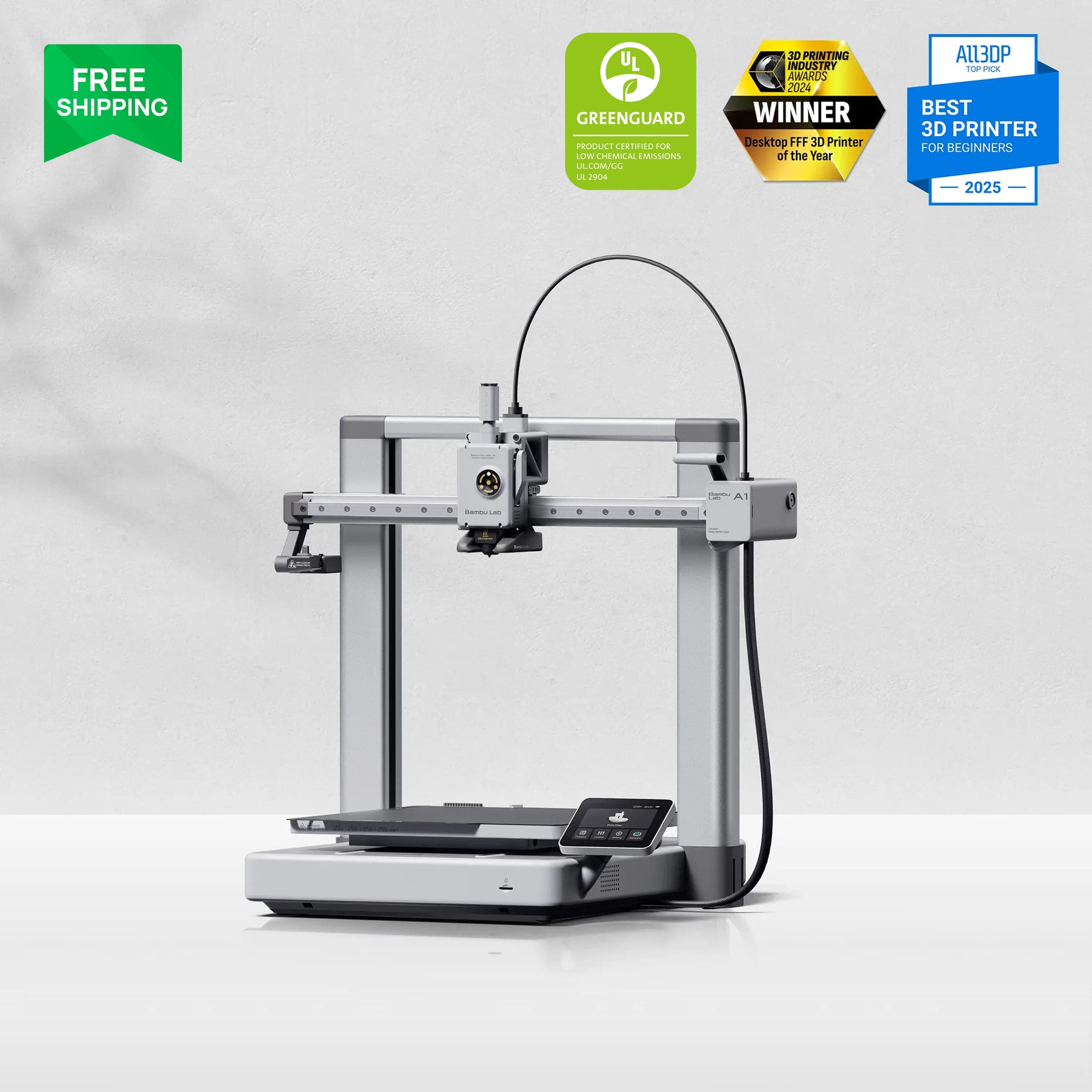
Bambu Lab A1The cheapest printer here that never feels cheap. Unless your budget or desk forces a different choice, buy this one.
 Check price on Flashforge
Best speed value
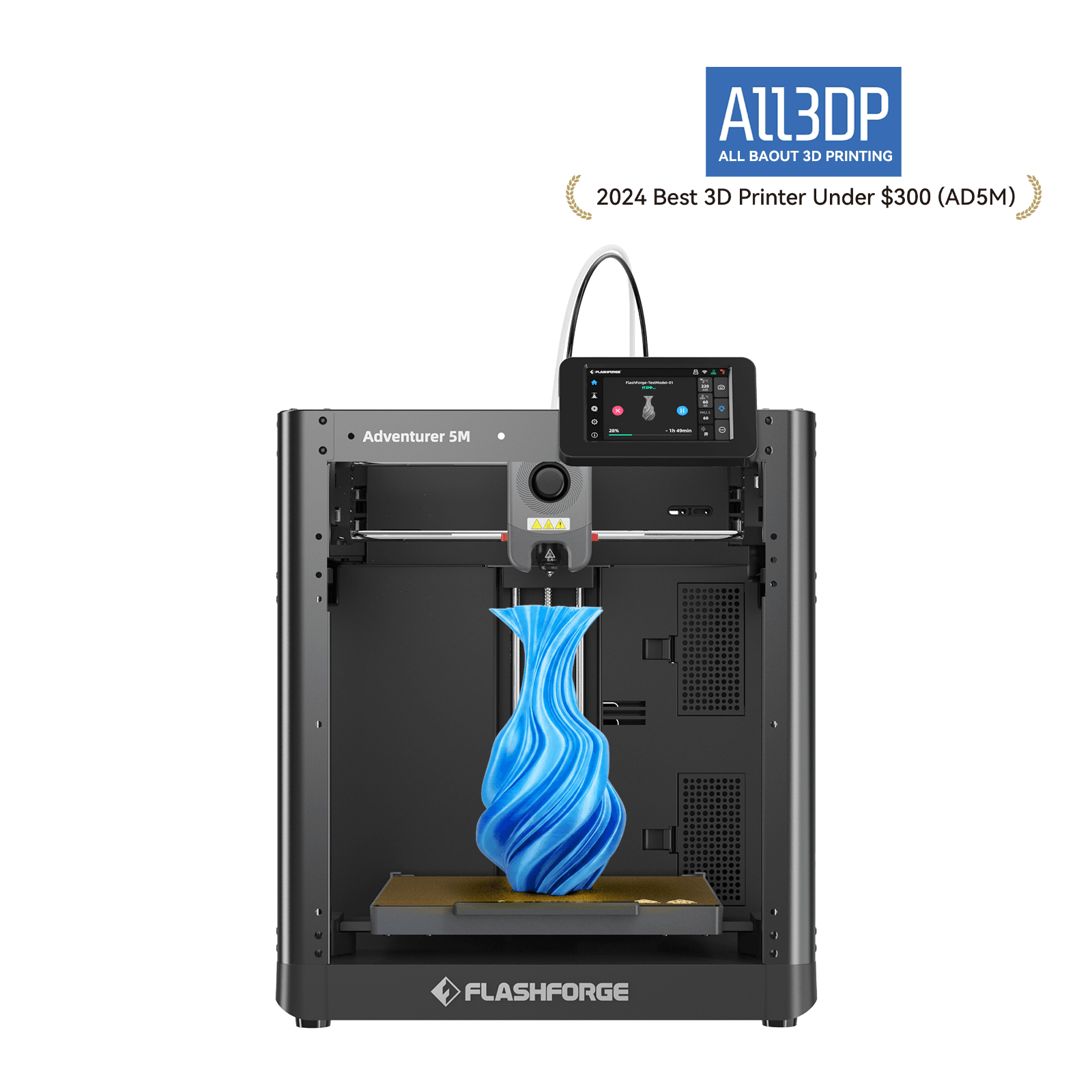
Flashforge Adventurer 5MThe most machine per dollar under $250. Buy it for the mechanics, not the speed headline.
 Check price on Amazon
Absolute budget
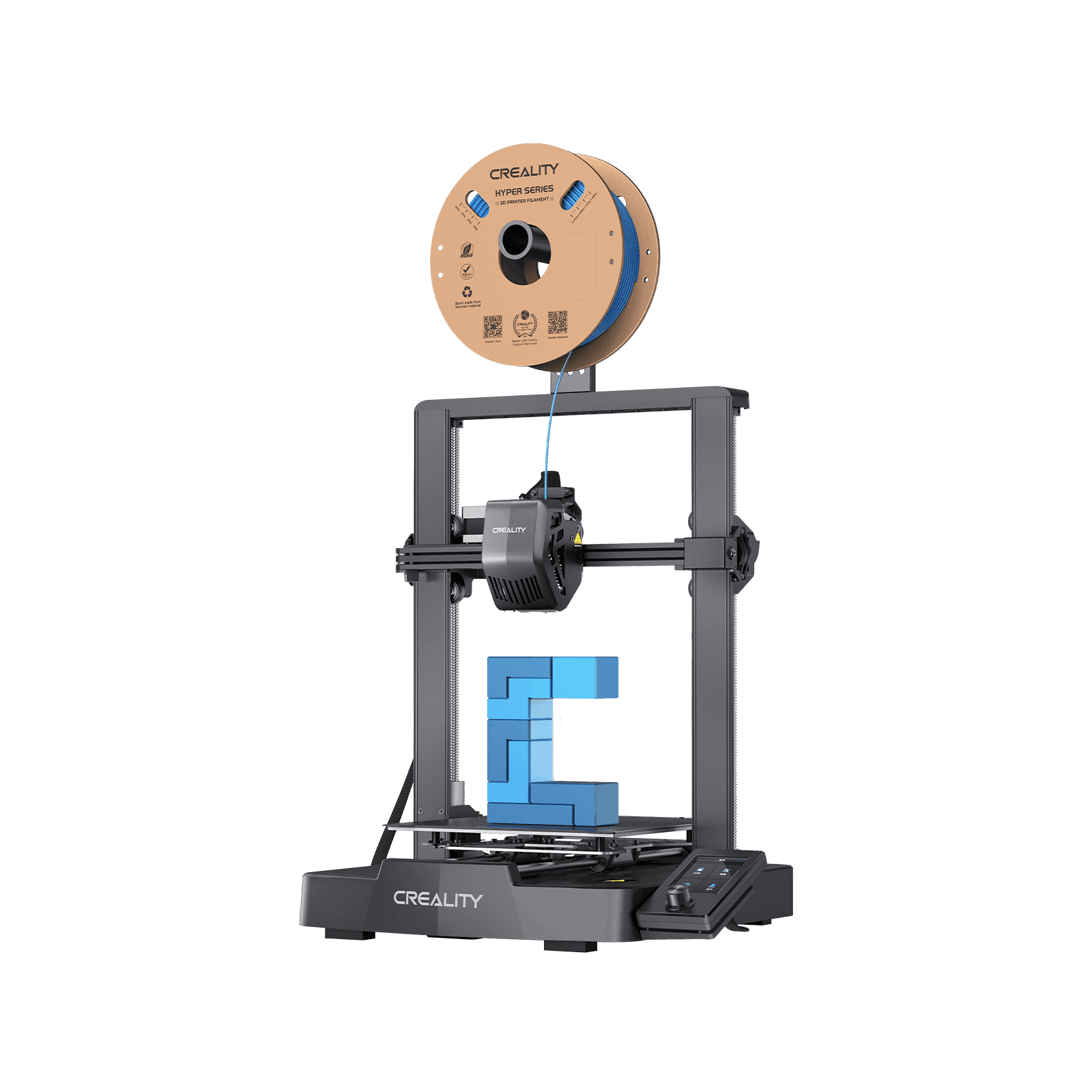
Creality Ender 3 V3 SEThe honest $200 printer. It prints well; it just asks more of you than the $299 machines do.
 Check price on Bambu Lab
Best for small spaces
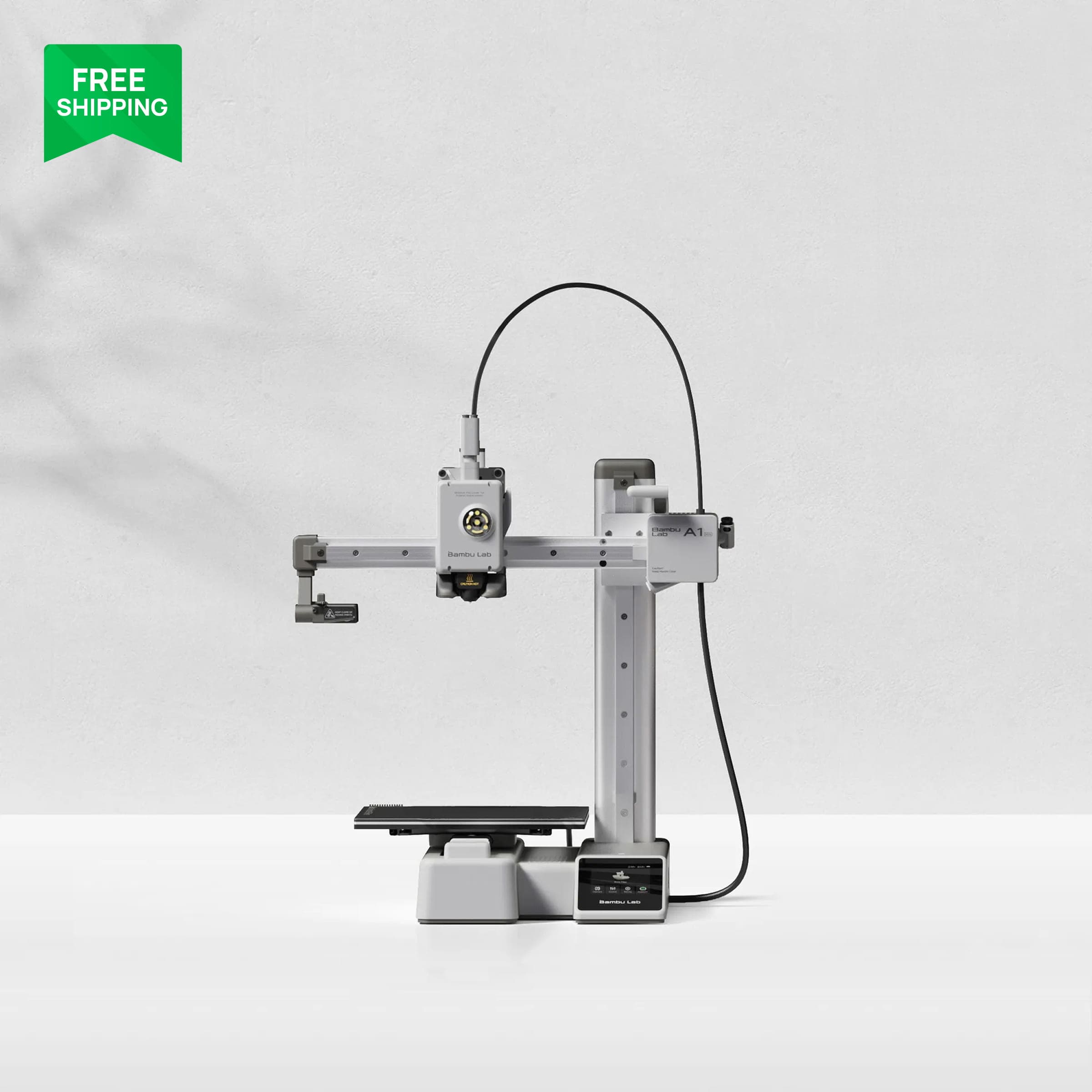
Bambu Lab A1 MiniBuy it for the desk, not the discount. If the full A1 fits, that $80 upgrade is the best value in this guide.
 Check price on Elegoo
Best stretch pick
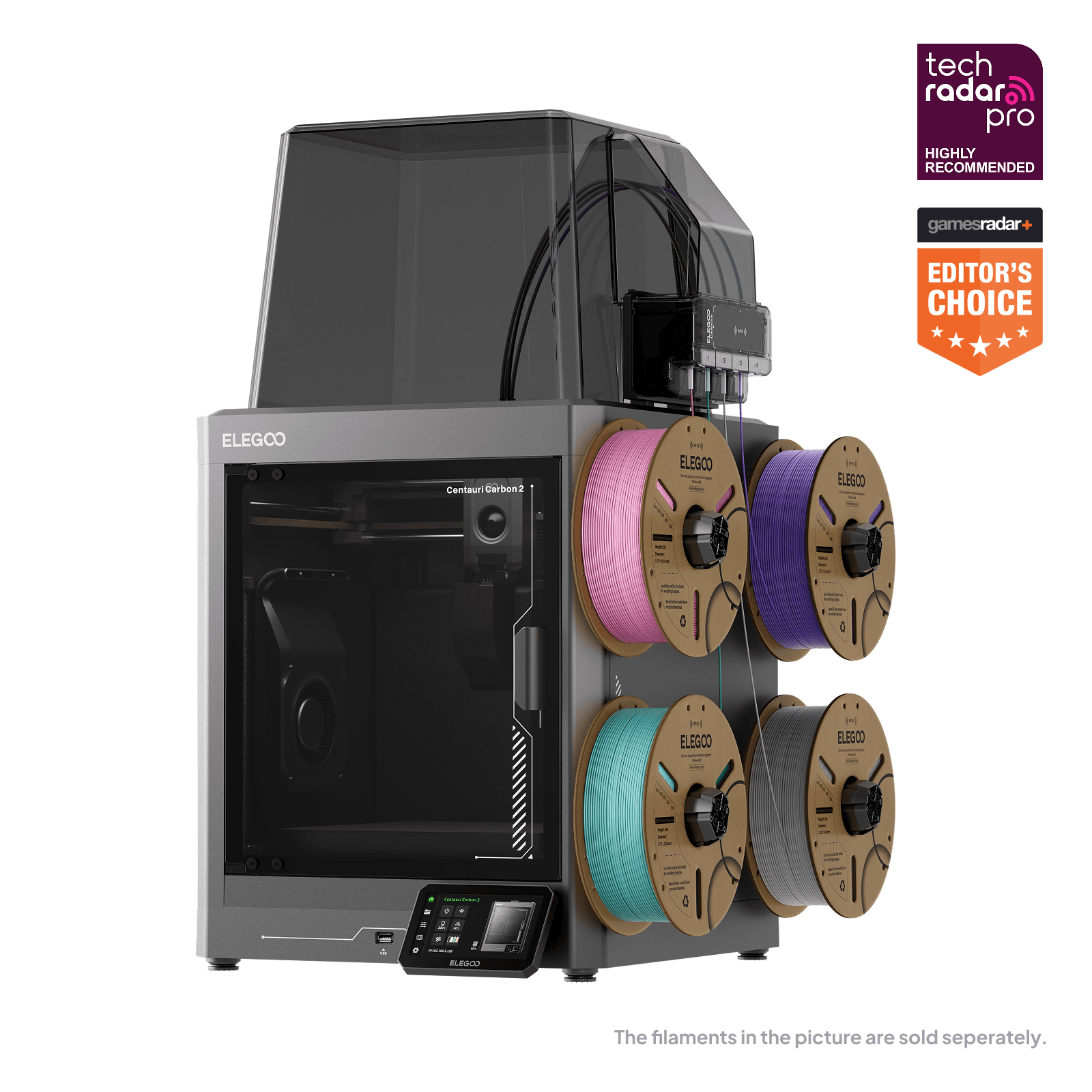
Elegoo Centauri Carbon 2 ComboThe spec-sheet champion of the budget class. Buy the capabilities, and budget some patience for the software.
Under $500 is where most beginners enter 3D printing, and where most beginners quit. What separates a good budget printer from a bad one is rarely print quality; a $200 machine can print beautiful PLA. It's how much of your weekend the machine demands. The right budget printer calibrates itself and gets out of the way. The wrong one turns printer repair into your second hobby.
In 2026 the dividing line is automation, and the floor is clear: every printer below has automatic bed leveling and a setup measured in minutes, not weekends. Anything cheaper that skips this doesn't really save you money. You pay the difference later in frustration.
Our top picks at a glance
| Product | Price | Build volume | Enclosure | Best for |
|---|---|---|---|---|
| Bambu Lab A1Check price | ~$299 | 256 × 256 × 256 mm | No | The default beginner pick |
| Flashforge Adventurer 5MCheck price | ~$239–259 | 220 × 220 × 220 mm | No | Best speed value |
| Creality Ender 3 V3 SECheck price | ~$197–229 | 220 × 220 × 250 mm | No | Absolute budget |
| Bambu Lab A1 MiniCheck price | ~$219 | 180 × 180 × 180 mm | No | Small spaces |
| Elegoo Centauri Carbon 2 ComboCheck price | ~$399 | 256 × 256 × 256 mm | Yes | Stretch pick: enclosed + 4-color |
Prices verified October 2026. They move with sales, so check the live price before buying.
The default: Bambu Lab A1
If you buy one printer from this guide without reading further, make it the A1. At ~$299 on Bambu Lab's US store (verified October 2026), it reset expectations for what a budget printer should do. It's a 256 mm cubed open-frame bed-slinger running at 500 mm/s, with full-auto calibration covering bed mesh, Z-offset, flow rate, and vibration. Expect about 15 minutes from box to first print.
All that automation spares you the traditional beginner experience. There's no paper-test leveling, no weekends spent tuning test cubes, and no forum threads titled "why won't anything stick." It's quiet enough for a living space, the camera and timelapse are built in, and the Bambu Handy app lets you start and monitor prints from your phone. The AMS Lite add-on (~$419 for the Combo on Amazon, verified October 2026) gives you a genuine four-color upgrade path. Tom's Hardware's review called it an affordable introduction to multi-color printing, and long-term users report months of failure-free printing.
The caveats: the frame is open, so ABS and ASA need an enclosure tent or a different machine. The moving bed needs clear space behind the printer on your desk. Bambu's firmware and slicer favor the company's own stack, which frustrates tinkerers who want to mod. And the AMS Lite is a separate purchase; the $299 price is single-color.
Best for: first printers, apartment printing, anyone who wants to print things rather than learn printer maintenance.
Image: Bambu LabBambu Lab A1
The cheapest printer here that never feels cheap. Unless your budget or desk forces a different choice, buy this one.
Good stuff
- Full-auto calibration; genuinely beginner-proof
- Quiet, fast, and reliable out of the box
- 256 mm volume with a real 4-color upgrade path
- Strong community and parts availability
Watch out for
- Open frame: no ABS/ASA without an enclosure
- Moving bed needs rear desk clearance
- Closed ecosystem frustrates modders
- Multi-color costs extra (AMS Lite)
Best speed value: Flashforge Adventurer 5M
The Adventurer 5M's big selling point is CoreXY motion at ~$239 to $259 street (verified October 2026, down from $299). It's the only CoreXY machine at this price. That rigid, fast-moving gantry design used to start at twice the money, and here it comes in a 220 mm cubed open-frame printer hitting 600 mm/s with 20,000 mm/s² acceleration. Setup takes roughly 10 minutes (it arrives 95% pre-assembled), one-click auto-leveling handles the bed, and 3-second quick-swap nozzles (0.25 to 0.8 mm) make nozzle changes painless. A 280°C direct-drive extruder, a dual-sided PEI plate, runout and power-loss recovery, and a willingness to run third-party filament round out a strong package.
The 600 mm/s figure needs context. Quality printing on this machine, as on everything else in its class, happens at 150 to 300 mm/s. The headline number holds for travel moves, but don't buy it expecting twice the usable speed of the A1. What you're really buying is the CoreXY mechanics: rigidity and motion quality at an entry price.
The trade-offs: an open frame (no ABS without an add-on enclosure), no camera, no multi-color path at all, and a smaller community and parts ecosystem than Bambu or Creality. If something unusual breaks, fewer people will have fixed it before you.
Best for: tinker-curious beginners who want CoreXY mechanics cheap, classrooms, makerspaces.
Image: FlashforgeFlashforge Adventurer 5M
The most machine per dollar under $250. Buy it for the mechanics, not the speed headline.
Good stuff
- CoreXY motion at an entry-level price
- 10-minute setup, one-click leveling
- 3-second quick-swap nozzles
- Runs third-party filament without complaint
Watch out for
- 600 mm/s headline overstates usable speed
- No camera, no multi-color path
- Smaller community than Bambu/Creality
- Open frame limits material choice
Absolute budget: Creality Ender 3 V3 SE
This is the floor, and it's a respectable one. The Ender 3 V3 SE comes from the line that put hobby 3D printing on the map, and it runs ~$197 to $229 street (verified October 2026). You get a 220 × 220 × 250 mm Cartesian bed-slinger at 250 mm/s, a Sprite direct-drive extruder with dual steel gears (it handles flexible TPU, which Bowden machines struggle with), CR Touch auto-leveling plus automatic Z-offset, and roughly 20 minutes of assembly.
The V3 SE makes it easy to see what the extra $100 for the A1 actually buys. The quality gap in finished PLA prints is smaller than you'd expect, and this machine produces genuinely good parts. The real gap is convenience. You get a knob-driven 3.2-inch screen instead of a touchscreen, no Wi-Fi without extra hardware, louder operation, and a sticky PC-coated bed that can damage prints, or the bed surface itself, if you're careless removing parts. Owners also report occasional nozzle-heating problems.
Buy it if your budget is truly fixed at $200 and you don't mind a louder, less polished experience. Don't expect Bambu-level automation, and don't let anyone tell you it's "just as good" as the $299 machines. It's 80% of the printer for 65% of the money, which is a fair deal.
Best for: absolute minimum spend, students, a second printer for a print farm.
Image: CrealityCreality Ender 3 V3 SE
The honest $200 printer. It prints well; it just asks more of you than the $299 machines do.
Good stuff
- Under $200 with auto-leveling
- Direct-drive extruder handles TPU
- 250 mm/s is unusual at this price
- Huge community and upgrade parts
Watch out for
- Knob screen, no touchscreen, no Wi-Fi
- Louder than the Bambu and Flashforge picks
- Sticky bed coating can damage prints
- Occasional nozzle-heating complaints
Best for small spaces: Bambu Lab A1 Mini
The A1 Mini is the A1's smaller sibling, at ~$219 on Bambu's US store (verified October 2026). It has a 180 mm cubed build volume and the same 500 mm/s motion and full-auto calibration, including the eddy-current flow sensor and belt-tension check the bigger machine has. It arrives fully assembled and prints within 15 to 20 minutes. It's also the cheapest path to four-color printing via the AMS Lite.
Do the math before you buy, though. The Mini is only $80 cheaper than the full-size A1, and you lose 76 mm on every axis, roughly a third of the build volume in each dimension. That's a lot of future projects that won't fit, for the price of a nice dinner. Buy the Mini only if desk space genuinely forces it, or as a dedicated second machine for small parts. If the A1 fits on your desk, it's the better use of $80.
Otherwise it shares its sibling's caveats: open frame, purge waste on multi-color jobs, closed firmware and cloud workflow, and a low-framerate camera.
Best for: dorm rooms, tiny desks, a second printer dedicated to small parts.
Image: Bambu LabBambu Lab A1 Mini
Buy it for the desk, not the discount. If the full A1 fits, that $80 upgrade is the best value in this guide.
Good stuff
- Same automation as the full A1
- Printing in 15 to 20 minutes, fully assembled
- Cheapest path to 4-color printing
- Tiny footprint
Watch out for
- Only $80 cheaper than the much larger A1
- 180 mm volume limits future projects
- Open frame; purge waste on multi-color
- Closed firmware/cloud
Best stretch pick: Elegoo Centauri Carbon 2 Combo
Stretch the budget to ~$399 on Elegoo's official store (verified October 2026; retail varies from $449 to $599 elsewhere) and you get specs nothing else under $500 offers. It's an enclosed CoreXY machine with 256 mm cubed of volume, 500 mm/s, a 350°C nozzle, a 110°C bed, 121-point full-auto calibration, a 5-inch touchscreen, a camera with AI failure detection, and a sub-45 dB silent mode. A 4-color CANVAS multi-material system comes in the box, with RFID spools, auto-refill, and anti-tangle handling. Before this machine, you couldn't get an enclosure plus multi-color under $500.
The catch is that the software is still maturing. Testing found inconsistent connectivity, false-positive spaghetti and clog alerts from the AI monitoring, and optimization gaps the spec sheet doesn't warn you about. Know that going in: unlike the A1, it won't fade into the background.
One more important detail: don't confuse it with the original Centauri Carbon, which is sold out and discontinued on Elegoo's store. The Carbon 2 Combo replaces it, so make sure the "2" is in the name when you buy.
Best for: ABS/ASA printing on a budget (the enclosure is the point), 4-color without Bambu's ecosystem, buyers comfortable with occasional software rough edges.
Image: ElegooElegoo Centauri Carbon 2 Combo
The spec-sheet champion of the budget class. Buy the capabilities, and budget some patience for the software.
Good stuff
- Enclosed CoreXY + 4-color included under $500
- 350°C nozzle and 110°C bed for tough filaments
- 121-point auto calibration, AI failure detection
- Silent mode under 45 dB
Watch out for
- Software still maturing; connectivity gaps
- AI detection throws false positives
- Don't confuse with the discontinued original
- Retail pricing varies wildly; buy direct
How we picked
We judged every printer above against the same beginner criteria:
- Full-auto calibration. Bed mesh, Z-offset, and ideally flow and vibration compensation, with no manual paper-test ritual.
- First-week success rate. Does it print well out of the box, or does it need mods and tuning to behave?
- Setup time. Assembly measured in minutes. If it takes a weekend, it's not on this list.
- Noise and footprint. Many of these machines live in bedrooms and apartments.
- Support and community. When something breaks, help should exist somewhere.
- Total-cost honesty. Multi-color add-ons priced in, purge waste accounted for, no hidden "but you also need" surprises.
We checked specifications against manufacturer data and cross-checked performance against multiple independent review sources. Every pick above is research-based. There are no hands-on claims anywhere in this guide.
What we'd skip, and why
Anycubic Kobra 3. On paper it's exceptional value: 600 mm/s, LeviQ 3.0 auto-leveling, and a Combo with the ACE Pro multi-color system (which doubles as a filament dryer) that has sold for as little as ~$225 on deal pricing. The record underneath is rough. Testing found multi-color failing out of the box because of a design flaw, along with frequent QC failures (hotend clogs, dead Z motors, ineffective auto-leveling), glitchy software, and slow support responses. The newer V2 Combo runs ~$495, which wipes out its value case against the A1. Until the quality-control record stabilizes, it's a gamble, not a recommendation.
Sub-$150 printers without auto-leveling. Manual bed leveling is how beginners end up quitting in week two. Automatic leveling is the floor. Below it, you lose more in failed prints and frustration than you save at checkout.
Buying advice on a budget
What the extra $100 actually buys
The jump from ~$197 (Ender 3 V3 SE, verified October 2026) to ~$299 (A1, verified October 2026) doesn't buy much print quality. It buys time: automatic everything, quieter operation, a camera, app control, and a machine that doesn't need you hovering. If your time is worth anything, the $100 pays for itself in the first month. The most expensive budget printer is the one that teaches you repair.
Do you need an enclosure?
For PLA and PETG, the two filaments every beginner should start with, no. An open frame is fine and cheaper. Enclosures matter for ABS and ASA (which warp easily and give off heavy fumes) and for printing in cold or drafty rooms. Only one pick in this guide has one, the Centauri Carbon 2. Don't pay for an enclosure to print filaments you won't touch in year one.
The true cost of multi-color
A four-color system adds roughly $120 to the purchase (A1 Combo versus printer-only). After that, every multi-color print costs you purge waste, the filament the printer throws away when it switches colors. Multi-color is genuinely fun and the upgrade path matters, but budget for the waste. These machines are cheapest to run in single color, and most functional prints are single-color anyway.
Budget your first month, not just the printer
Plan on a few spools of PLA to learn on. Your first dozen prints are practice, and that's normal, not failure. A dry storage box matters more than a fourth spool: wet filament causes half of all "my printer is broken" complaints, and preventing it costs almost nothing.
Our picks, recapped
- Check price on Amazon
The default
Bambu Lab A1The cheapest printer here that never feels cheap. Unless your budget or desk forces a different choice, buy this one.
- Check price on Flashforge
Best speed value
Flashforge Adventurer 5MThe most machine per dollar under $250. Buy it for the mechanics, not the speed headline.
- Check price on Amazon
Absolute budget
Creality Ender 3 V3 SEThe honest $200 printer. It prints well; it just asks more of you than the $299 machines do.
- Check price on Bambu Lab
Best for small spaces
Bambu Lab A1 MiniBuy it for the desk, not the discount. If the full A1 fits, that $80 upgrade is the best value in this guide.
- Check price on Elegoo
Best stretch pick
Elegoo Centauri Carbon 2 ComboThe spec-sheet champion of the budget class. Buy the capabilities, and budget some patience for the software.
FAQ
Is the Ender 3 still worth buying in 2026?
The Ender 3 V3 SE at ~$197 to $229, yes, if you know what you're getting. Its PLA print quality is closer to the $299 machines than the price suggests, but the gap in automation, noise, and polish is real. It's the right buy when the budget is fixed, not when you're hoping it's secretly a Bambu.
Can a $200 printer match a $500 printer's print quality?
For PLA at normal speeds, largely yes. The extra money buys speed, automation, enclosures, and polish, not fundamentally better plastic parts. A tuned $200 printer and a $500 printer produce nearly identical benchies; they just ask for very different amounts of your time.
Should I buy the A1 Mini or the full-size A1?
The full-size A1, unless desk space genuinely forces the Mini. $80 buys 76 mm on every axis, a third more build volume per dimension, and that's the cheapest volume upgrade in 3D printing.
Do I need Wi-Fi on a 3D printer?
Not strictly; USB and SD cards still work. But once you've had wireless file transfer and phone-app monitoring, you'll miss them. Everything here except the Ender 3 V3 SE includes it.
Is it worth waiting for a sale?
Budget printers move $20 to $80 with sales, and the A1 swung between $279 and $399 in a single 90-day stretch. If you're not in a hurry, waiting for a holiday sale makes sense. But don't put the hobby off for months to save $20.
What's the cheapest reliable multi-color setup?
The A1 Combo at ~$419 (verified October 2026) is the cheapest multi-color option here with a clean reliability record. The Centauri Carbon 2 Combo at ~$399 includes 4-color for less, but its software is less mature. Pick your trade-off.
Prices verified October 2026. They move with sales, so check the live price before buying. As an affiliate site, we may earn a commission on purchases made through our links, at no extra cost to you. Read our affiliate disclosure.
Related guides
- Buying guideBest 3D Printer for Cosplay in 2026Large-format 3D printers for cosplay helmets and armor, ranked by build volume and long-print reliability — plus a small-prop specialist for detail work.
- ReviewBambu Lab A1 Review (2026): The Easiest First 3D PrinterBambu Lab A1 review: the easiest first 3D printer at $299 — quiet, auto-calibrated, and beginner-proof, with honest limits on materials.
- Buying guideBest 3D Printer for Miniatures in 2026Resin 3D printers ranked for tabletop miniature detail: pixel size, tilt-release vats, and first-print success — plus the ventilation rules.